
This 2011 Lexus RX came to us with the original small Lexus screen and the factory backup camera. The owner, based in San Diego, California, wanted two things: Apple CarPlay and Android Auto, and a backup camera that actually makes parking easier. We installed the Lexion LX10S 12.3″ Linux CarPlay monitor and replaced the factory rear camera with the Lexion AHD rear camera. Here is what changed.
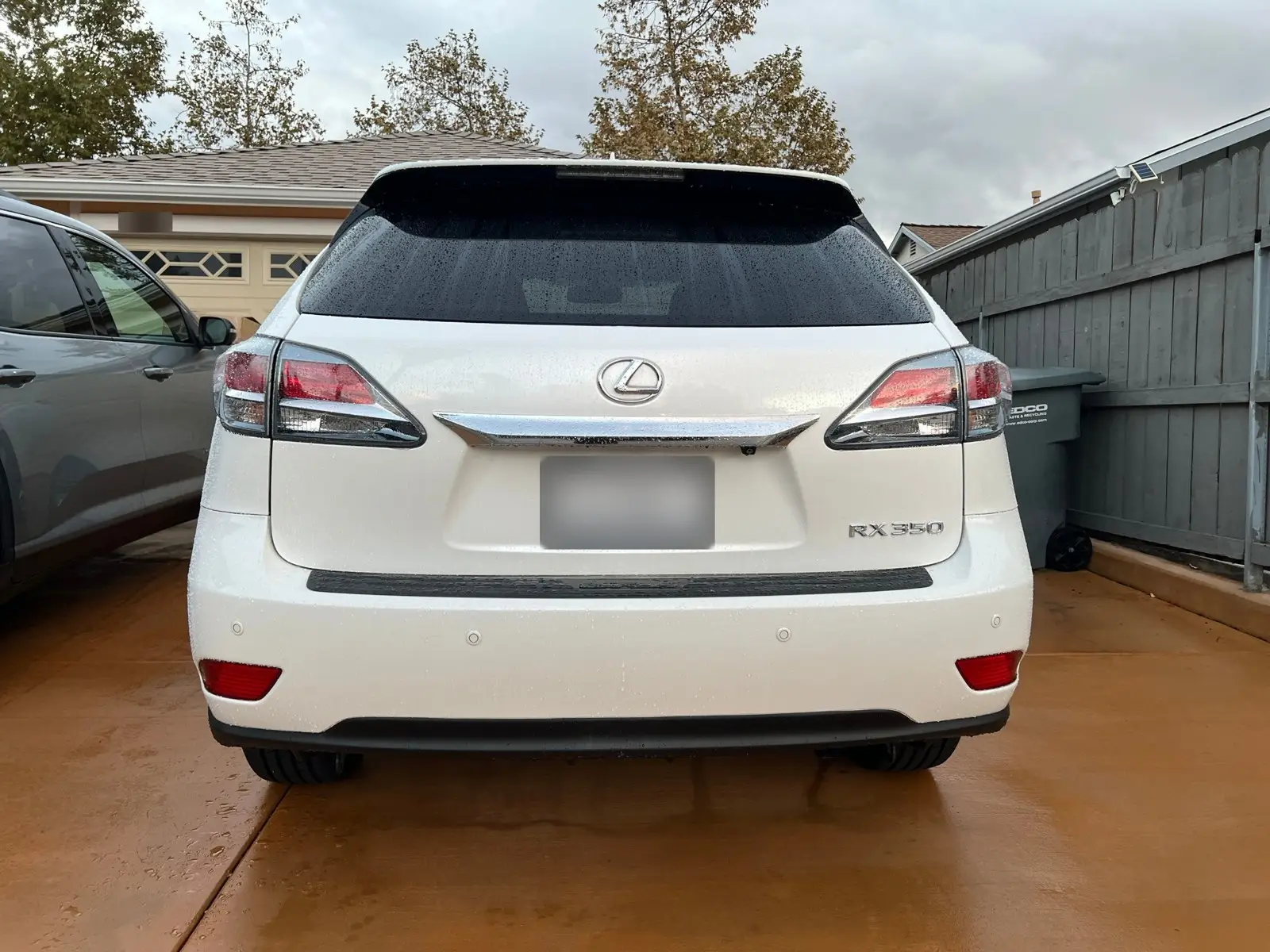
Before: Small Screen, No CarPlay, Blurry Backup Camera
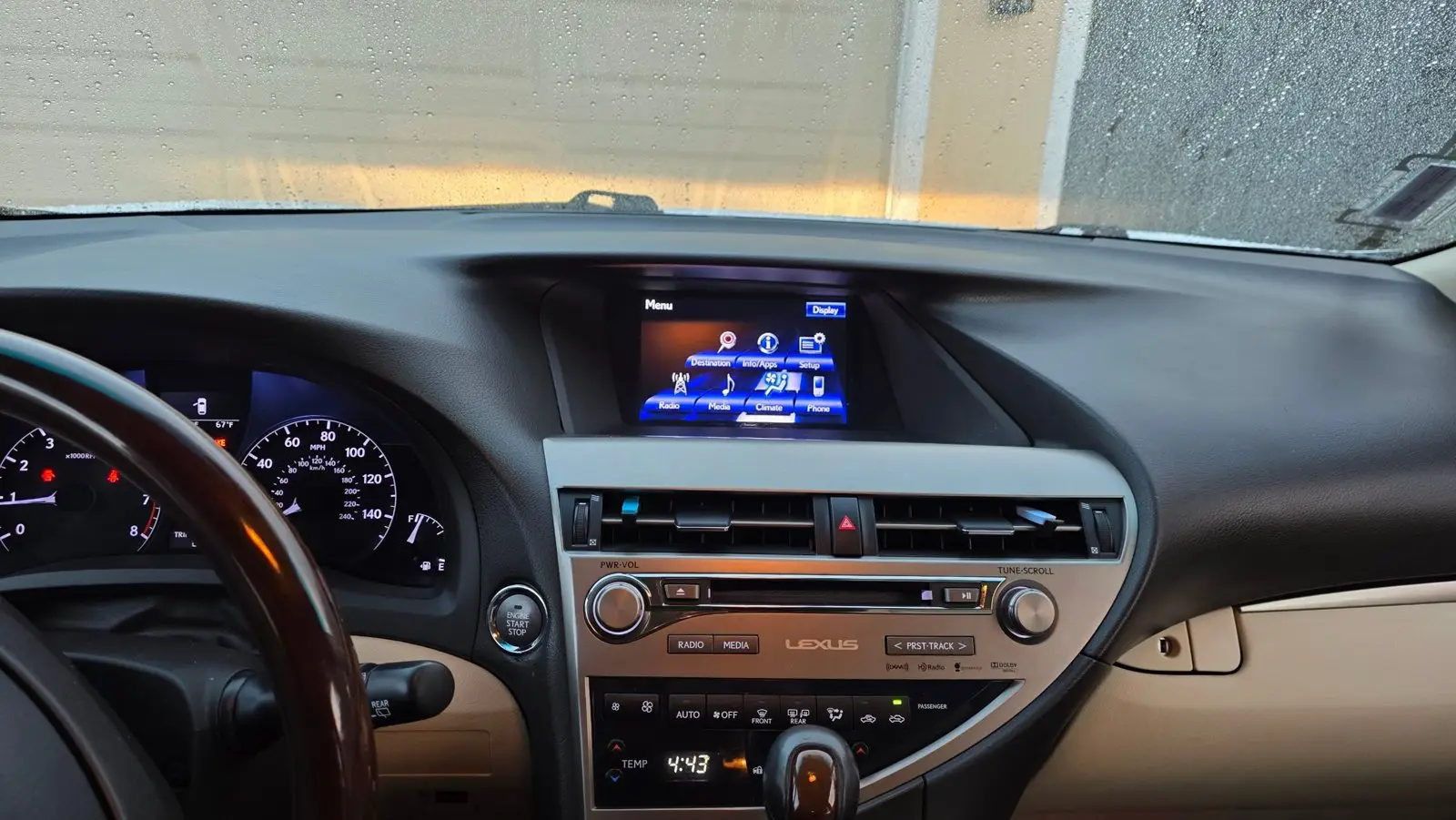
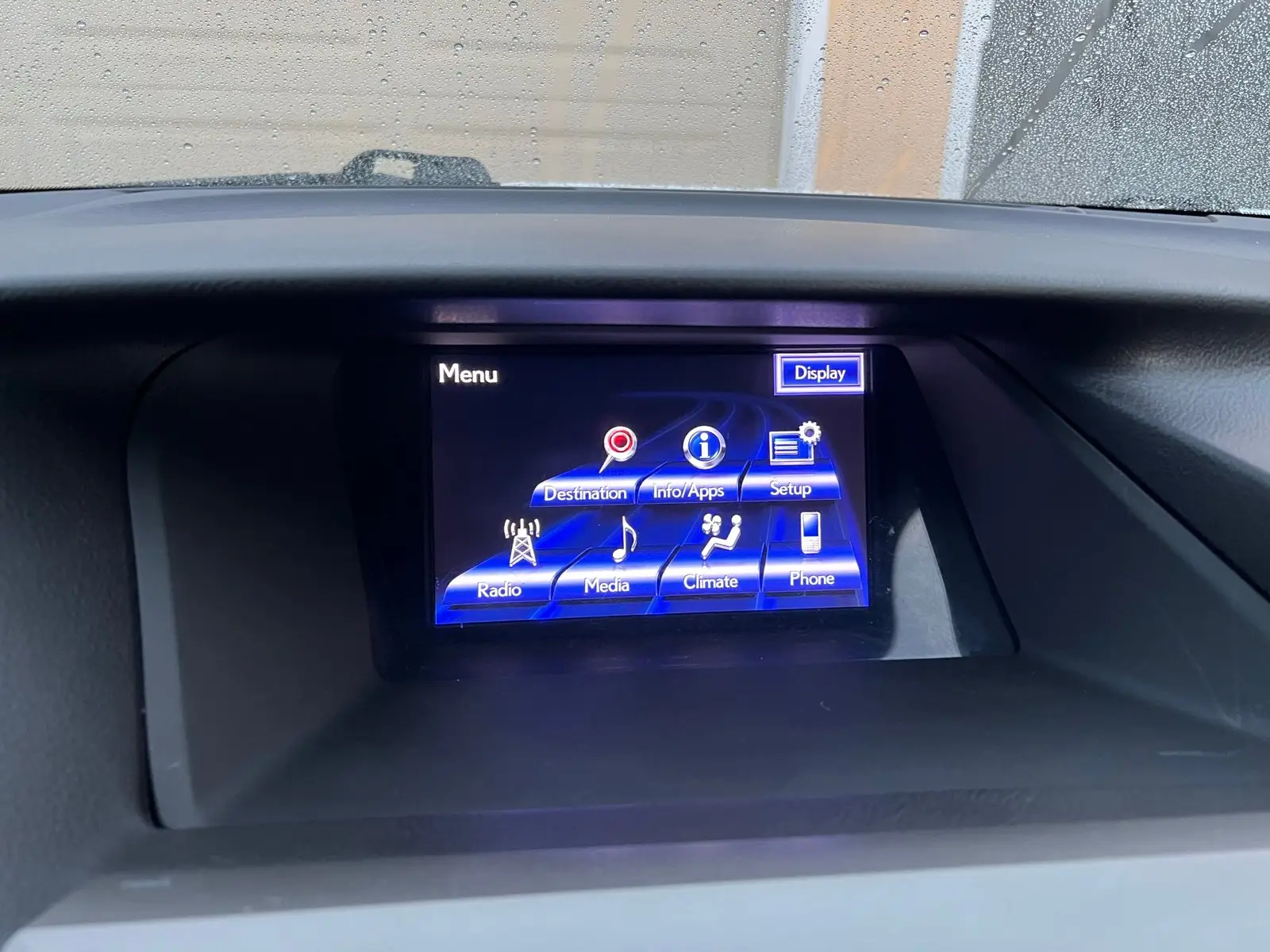
The factory screen is small by today’s standards and has no Apple CarPlay or Android Auto, so navigation and music meant reaching for the phone. The factory backup camera was the other pain point:
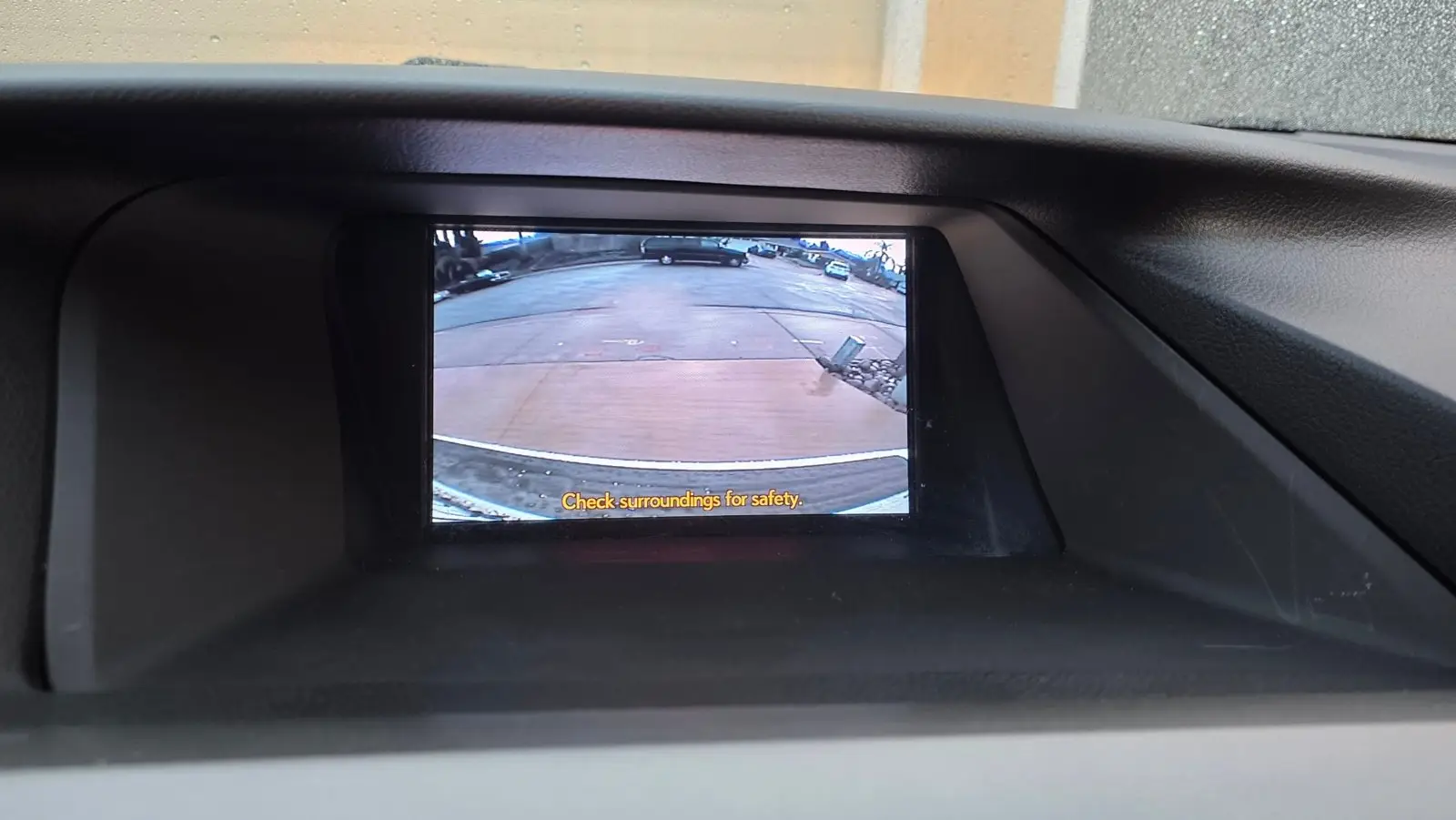
- Low image quality – the old analog (CVBS) camera looks soft and washed out, especially at night.
- No dynamic parking guidelines – the lines don’t move with the steering wheel, so judging the parking space is guesswork.
- Small picture – on the small factory screen, obstacles are hard to see.
After: 12.3″ Lexion Screen with Wireless CarPlay & Android Auto
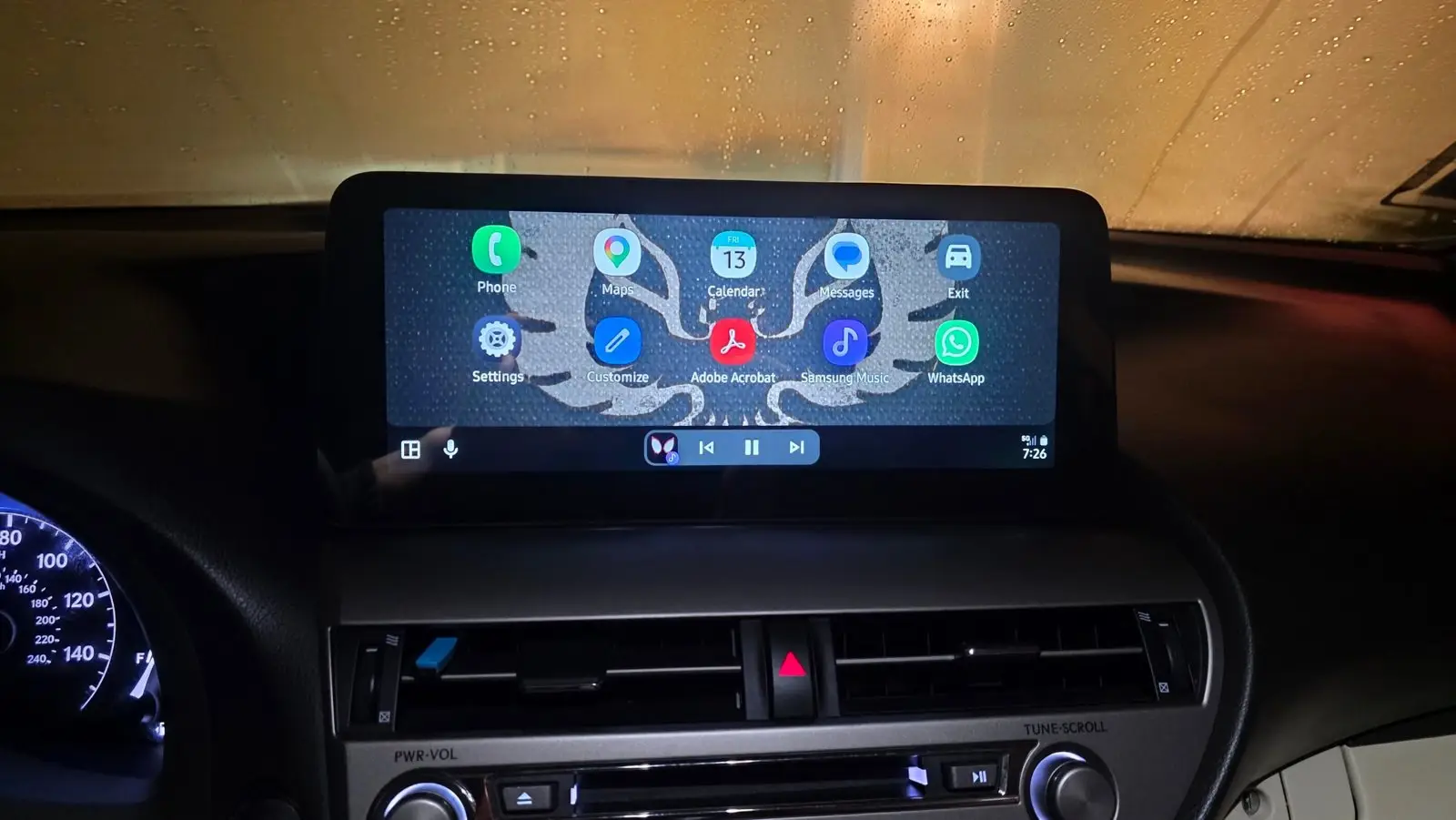
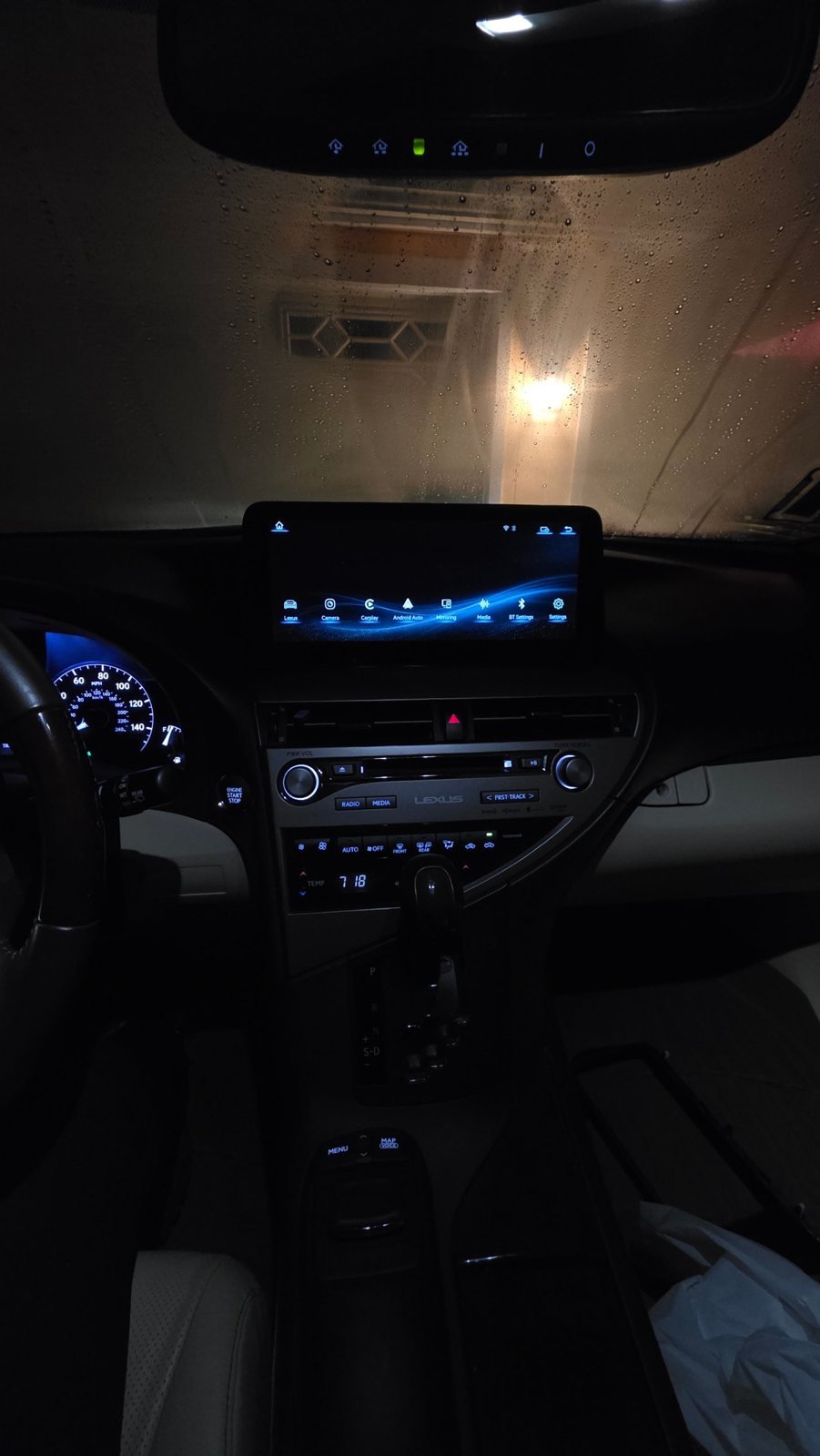
The 12.3″ widescreen fills the RX dash opening and looks factory-fresh. The owner’s phone connects wirelessly to Apple CarPlay or Android Auto every time the car starts, and the audio still plays through the original Lexus Bluetooth and speakers.
Dynamic Parking Lines with the AHD Rear Camera
After replacing the factory camera with the Lexion AHD rear camera, the reverse view is sharp, bright and full-width on the 12.3″ screen, and the dynamic parking guidelines move with the steering wheel. Together with the parking sensor display, backing into a tight space is now easy. Camera setting for the Lexion AHD camera: Camera Type = OEM CVBS / Aftermarket Camera, Camera Format = AHD 1080P@25.
Everything From the Factory Still Works
- Full factory Lexus menu – Climate, Radio, Media, Phone, Setup are one tap away (the Lexus icon on the home screen).
- Jog mouse (Remote Touch) – on this A-type radio the jog mouse works in both the factory menu and the Lexion screen.
- Steering wheel buttons – volume, track, calls and voice assistant.
- Factory audio and microphone – music and calls go through the original Lexus Bluetooth, speakers and hands-free mic.
- Plug & play – vehicle-specific harness, no factory radio replacement.
Good to Know for 2009–2015 RX Owners
The 2009–2015 RX came with different factory radio types (A, B and C). This car has the A-type radio, which supports the jog mouse on both the factory and Lexion screens. Not sure which type you have? Send us a photo of your factory screen menu and the back of the radio on WhatsApp and we’ll confirm the right kit before you order.
Ready to upgrade your RX? See the Lexion LX10S for Lexus RX 2009–2015 and the AHD front & rear camera kit.
Questions about your RX?
Send us your model, year and a photo of your factory screen. We reply personally.
Message Support →