
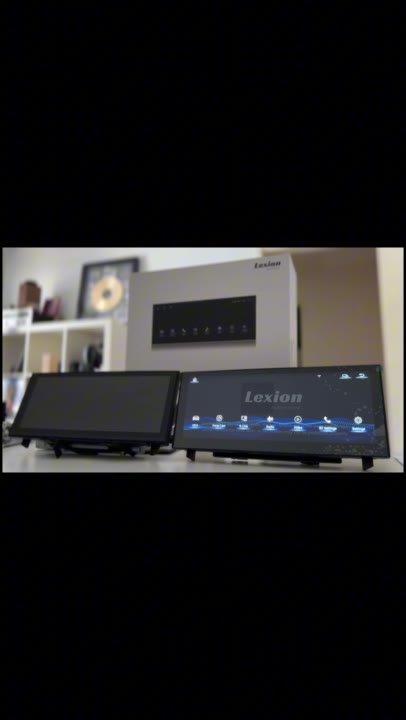
We powered on two screens at the same time: a typical Android-based aftermarket screen (left) and the Linux-based Lexion screen (right). Watch how long each one takes to be ready.
What the video shows
From the moment power is applied, the Lexion screen is on its home menu in about 4 seconds. The Android screen sits on its boot logo for about half a minute before it reaches its home screen. In a car, that is the difference between your camera and CarPlay being ready as you pull out, and waiting half a minute.
Why most car makers don't run a generic Android build
Android is a great phone OS, but a full, general-purpose Android build is a heavy choice for a car screen:
- Heavy OS: it loads a lot of services at start-up, so boot times are long.
- Security: a full app platform with internet access gives a larger attack surface.
- Update bugs: OS and app updates can break features or slow the unit down over time.
Why Linux fits automotive
- Fast boot — ready in seconds.
- Stays fast over the years — no app clutter, so it doesn't slow down with age.
- Stable — a focused system that does its job every time you start the car.
Which one should you choose?
If you don't need to browse the internet or watch YouTube on the car screen itself, a Linux screen with CarPlay and Android Auto is the best option: your phone brings the apps (maps, music, calls, messages), and the screen stays fast and reliable.
Learn more: how audio works with the Lexion screen and our troubleshooting guide.